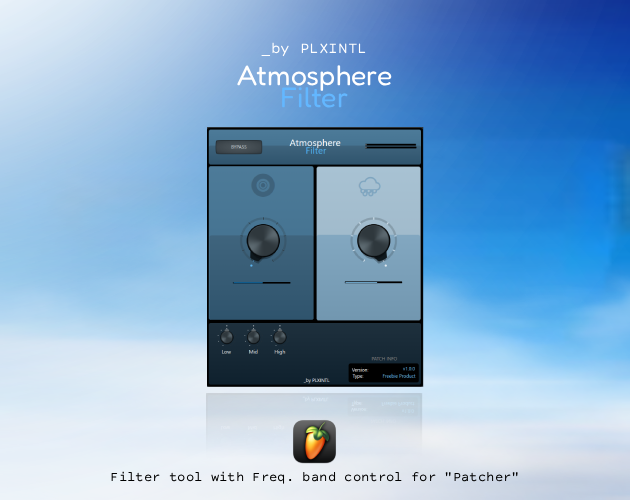
PLXINTL Atmosphere Filter
A downloadable tool for Windows and macOS
Atmosphere - is a LP and HP filter that including Low, Mid, High freq. bands
CONTROLS
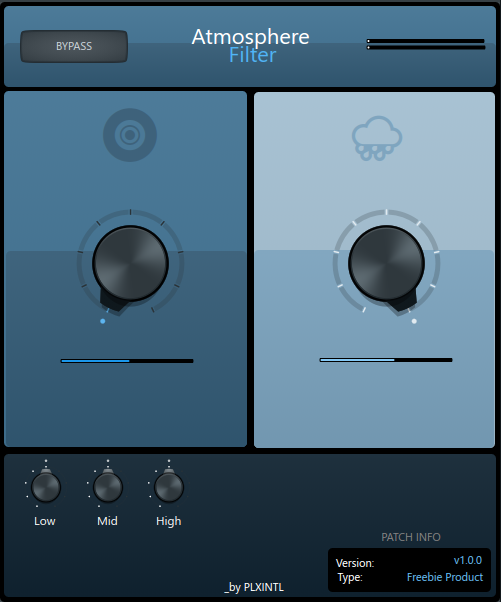
Main: LPF - Dark-Cyan side knob with resonance below, HPF - Light-Blue side knob, also with resonance below.
Frequency Splitting: Low, Middle and High ranges
Have fun!
PLXINTL
Download
Install instructions
HOW TO INSTALL
1: Download it from links
2: Go to C:\Users\User\Documents\Image-Line\FL Studio\Presets\Plugin presets\Effects\Patcher
3: Put .fst file into this folder
4: Have fun!
Leave a comment
Log in with itch.io to leave a comment.